
An invoice maker for iPhone that helps you get paid
Quotea turns your iPhone into a simple invoicing tool for freelancers, contractors and small businesses: create the invoice, share the PDF and mark it paid when the money arrives.
Available now for iPhone and iPad. Android coming soon.
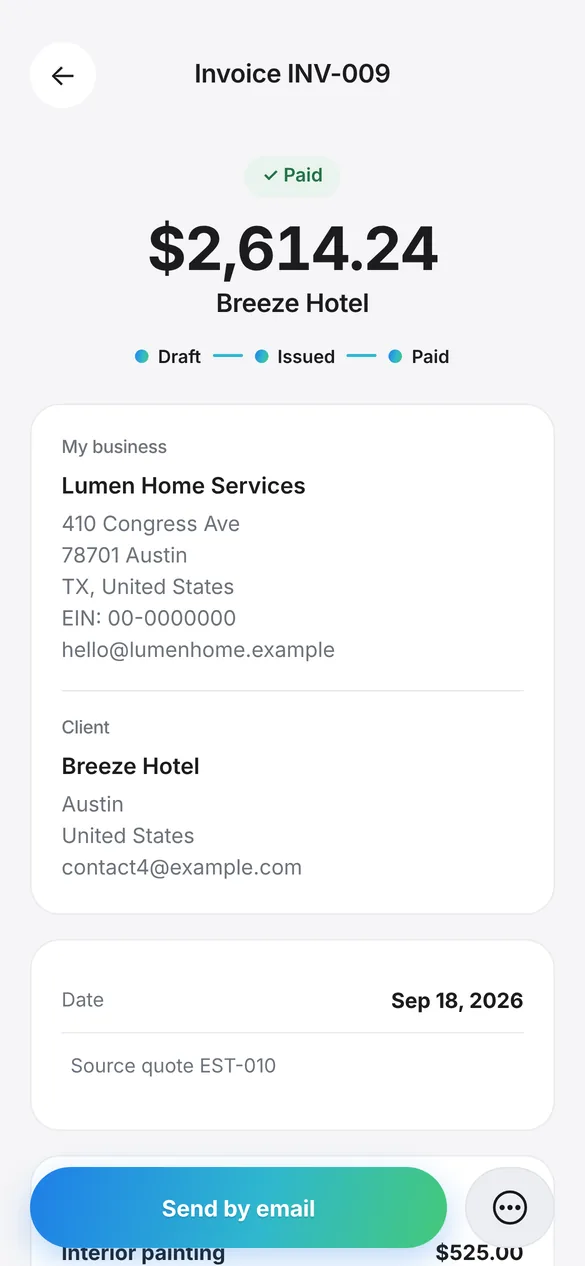
Invoice from the job, not from the office
Finish the work, open Quotea and send the invoice before you leave. If it started as an estimate, the invoice is created with the same line items and amounts; if not, build it from scratch with your saved customers and items.
Invoices have their own numbering, separate from estimates, with the prefix and number of digits you choose. Drafts can be edited; once an invoice is sent or paid, it’s locked so it can’t be changed by accident.
Made for iPhone
- Share the PDF any way you likeMail, Messages, WhatsApp, AirDrop or any app from the iPhone share sheet. You can print it too.
- Automatic iCloud backupsQuotea keeps versions of your data in your iCloud so you can restore them on a new iPhone.
- Follow-ups widgetSee your follow-ups and pending documents right on your Home Screen.
- iPhone, iPad and dark modeWorks on iPhone and iPad, adapts to larger screens and follows the system’s dark mode.
- Statuses and paymentsDraft, sent and paid. Record the date and method: bank transfer, cash or card.
- Payment reminders on WhatsAppSend your customer a reminder with the message and your payment details ready to go.
- Recurring invoicesWeekly, monthly, quarterly or yearly, created as drafts so you can review them first.
- Reports and statementsBilling by quarter, payments by month and a PDF statement for each customer.
Example: a paid painting invoice
This invoice was created from an approved estimate and marked as paid by bank transfer.
| Item | Qty | Rate | Amount |
|---|---|---|---|
| Interior painting | 210 sq ft | $2.50 | $525.00 |
| Handyman labor | 24 hr | $75.00 | $1,800.00 |
| Trip charge | 2 visits | $45.00 | $90.00 |
| Subtotal | $2,415.00 | ||
| Sales tax (8.25%) | $199.24 | ||
| Total | $2,614.24 | ||
Fictional data. Screenshot and PDF generated with the real app.
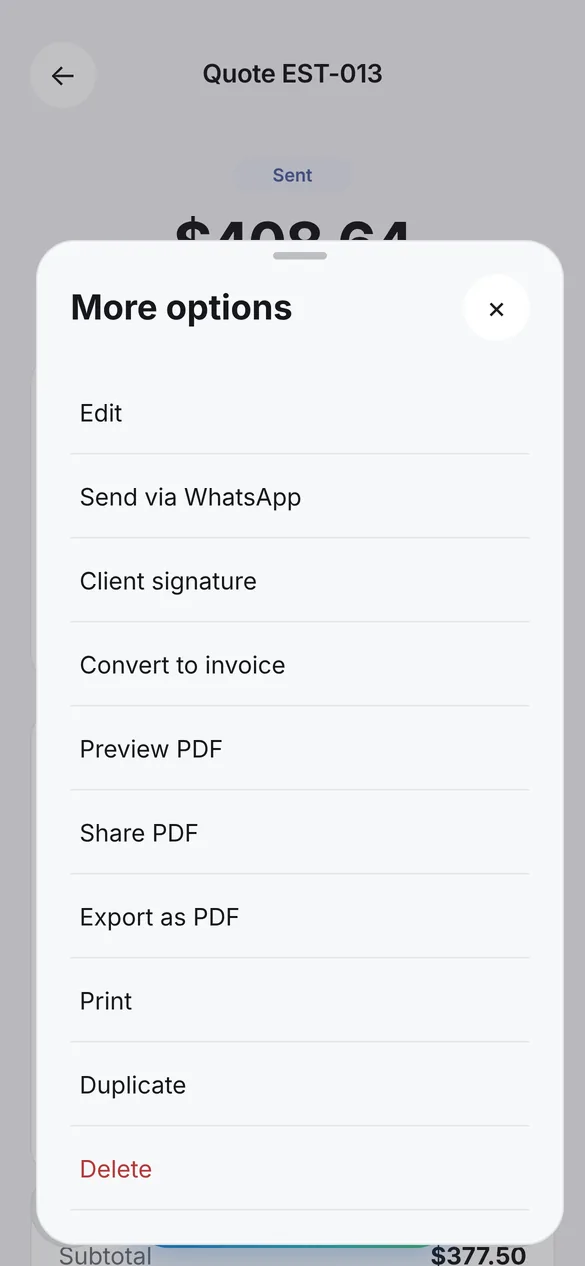
How to make an invoice on your iPhone
Download Quotea from the App Store
It’s free to start and you don’t need to create an account.
Create the invoice
From an approved estimate or from scratch, with your customers and items.
Review and issue it
Quotea gives it the next number in your series when you issue it.
Send the PDF
By email, text, WhatsApp or any app in the share sheet.
Mark it paid
Record the date and payment method to keep your reports up to date.
Frequently asked questions
Is the iPhone invoice app free?
You can download Quotea and start invoicing for free. If you need more documents a month or custom branding on your PDFs, you can upgrade in the app.
Can I invoice from my iPad too?
Yes. Quotea works on iPhone and iPad.
What happens if I get a new iPhone?
Quotea makes automatic backups to your iCloud. On your new iPhone, restore the version you need from Settings › Backups.
Can I add sales tax?
Yes. Set up the tax rate that applies to your work, as a percentage of the subtotal, and choose whether it’s added by default.
Can I edit an invoice after sending it?
Sent and paid invoices are locked so they aren’t changed by mistake. Drafts can be edited freely.
Start invoicing from your iPhone
Download Quotea free from the App Store and send your first invoice today.
Available now for iPhone and iPad. Android coming soon.