
Free
To get started today
- PDF quotes and invoices
- All templates
- Clients, items and reports
Quotea is the app for freelancers and small businesses who want to send a quote that looks professional, turn it into an invoice when the client says yes, and always know what is still to be paid.
Available now for iPhone and iPad. Android coming soon.
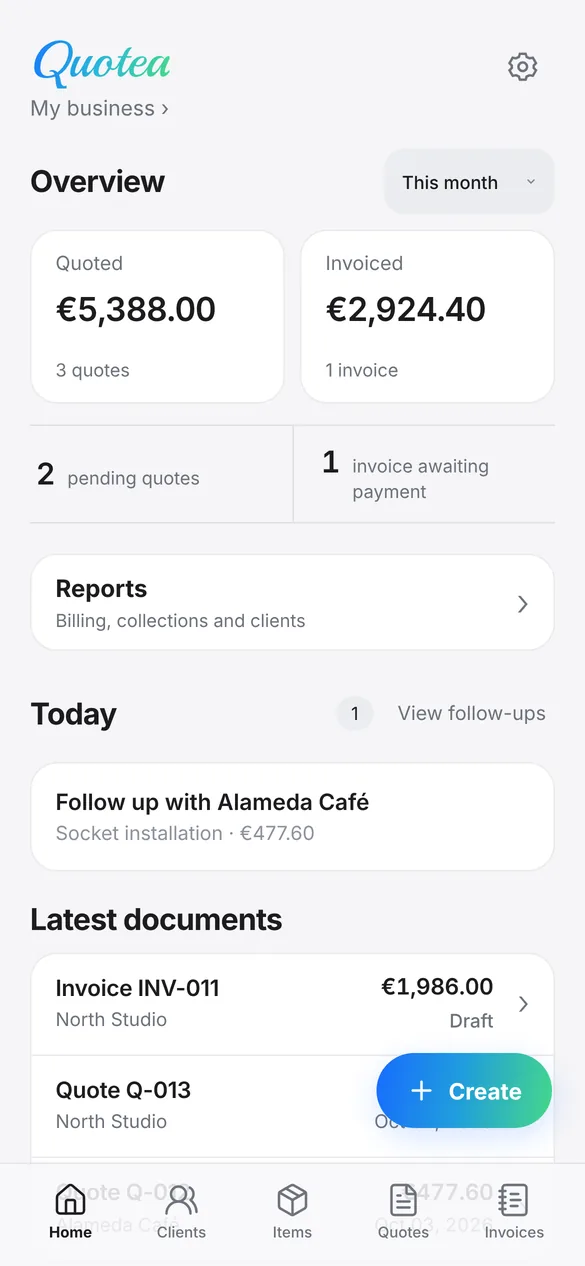
Made for people who work job by job: painters, electricians, plumbers, builders, cleaners, gardeners, photographers, designers, technicians and installers.
Every document follows the same path. Quotea keeps the history and reminds you of what is pending.
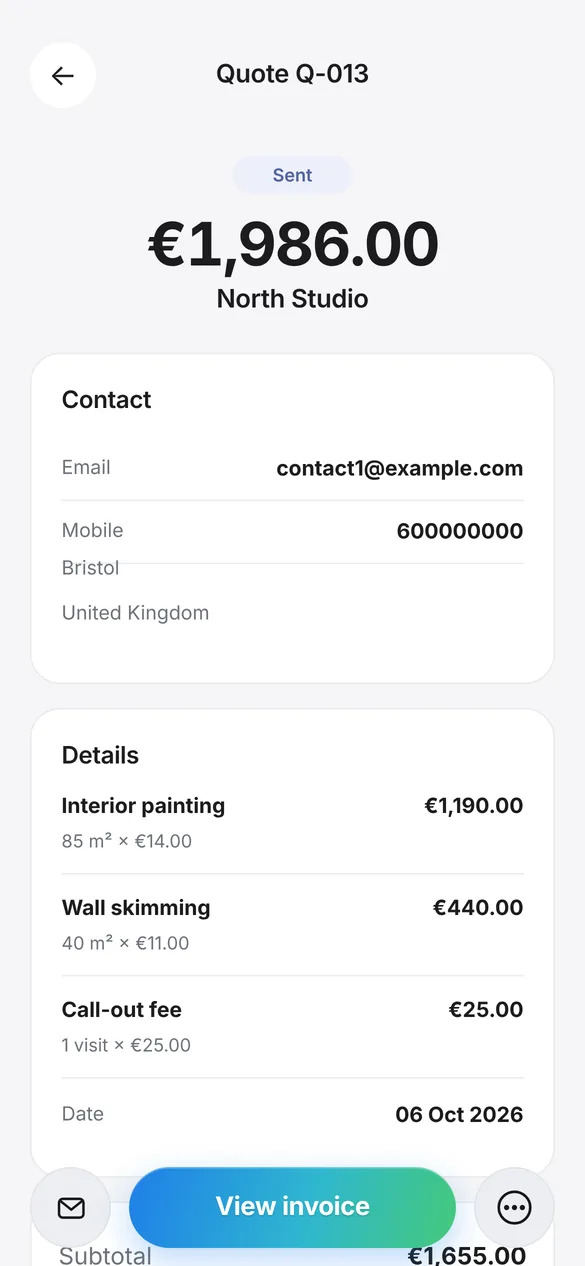
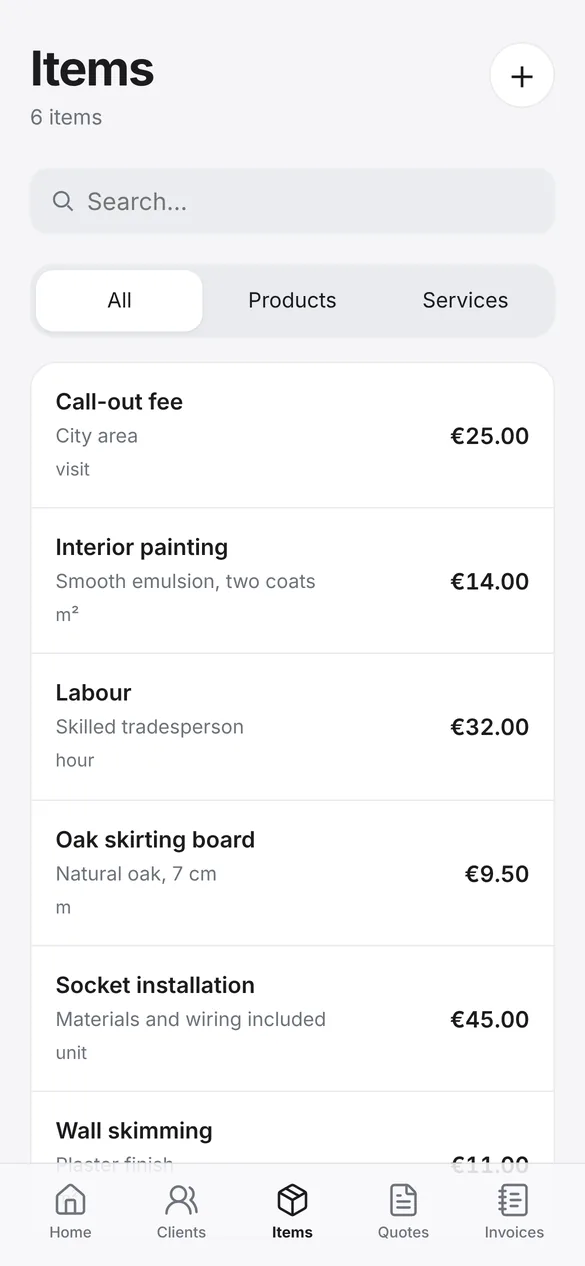
Pick the client, add saved items or type new lines with quantities, discounts and taxes. Totals are calculated for you.
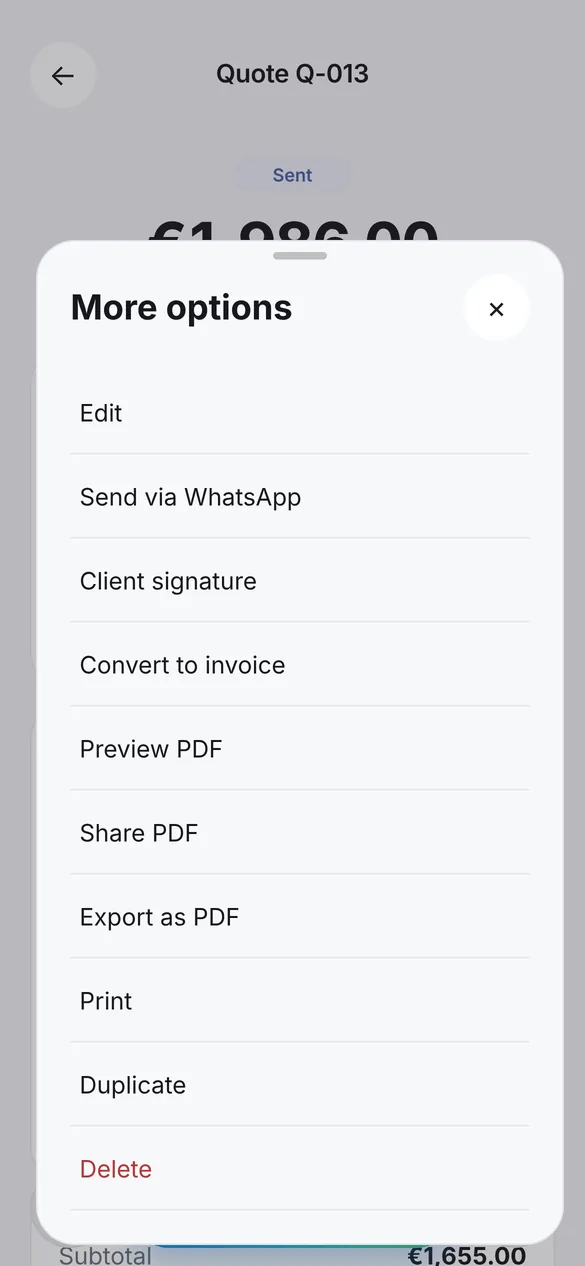
Share the PDF by email or on WhatsApp with the message already written, print it, or let the client sign on screen with a finger.
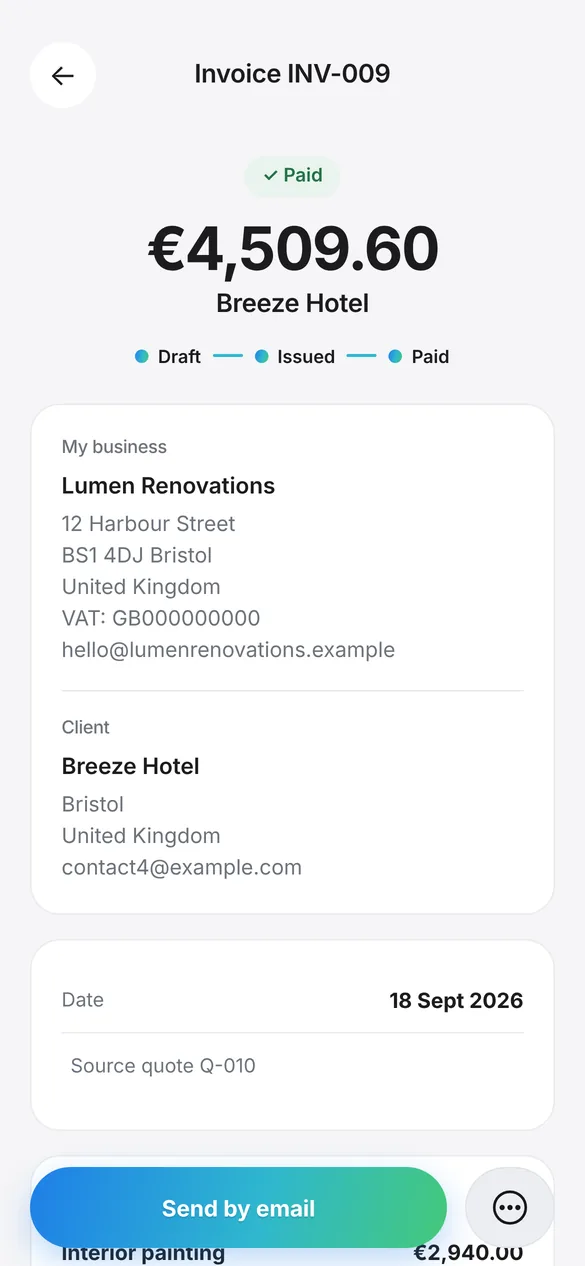
Turn the accepted quote into an invoice in one tap. When you are paid, record the date and whether it was bank transfer, cash or card.
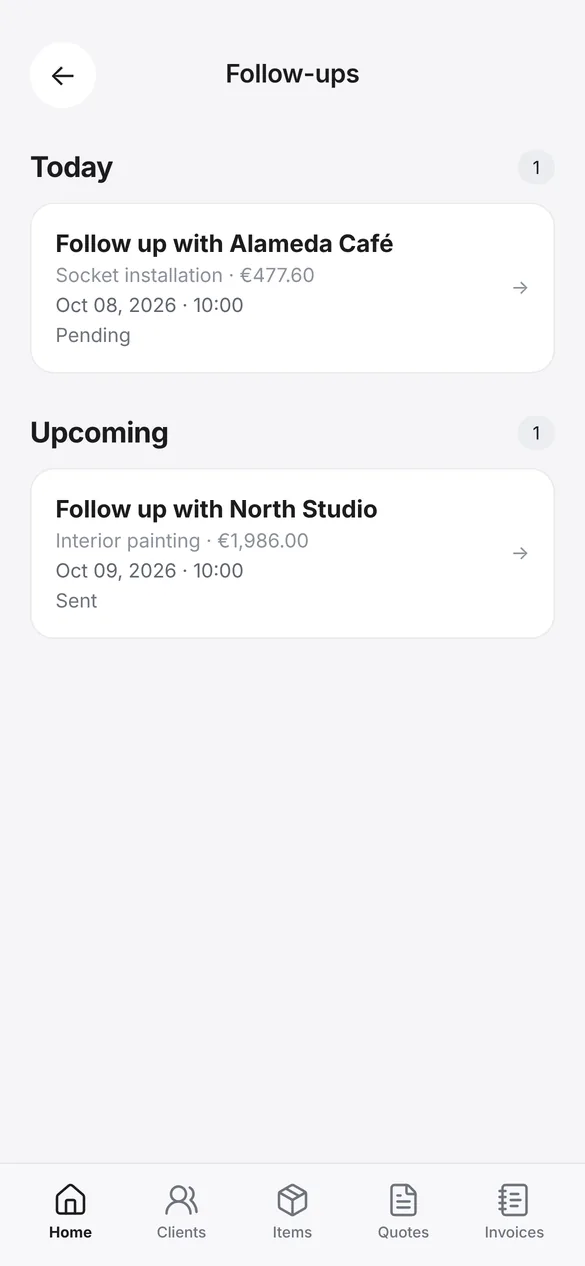
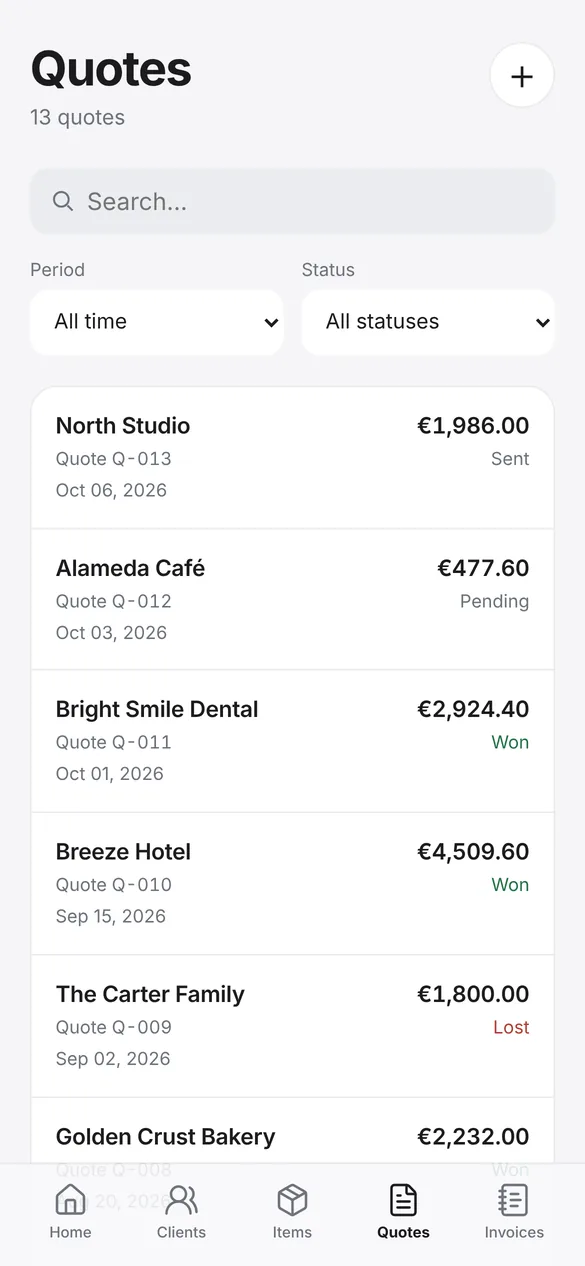
Schedule reminders for quotes waiting for an answer. Pending, won or lost: you always know where each job stands.
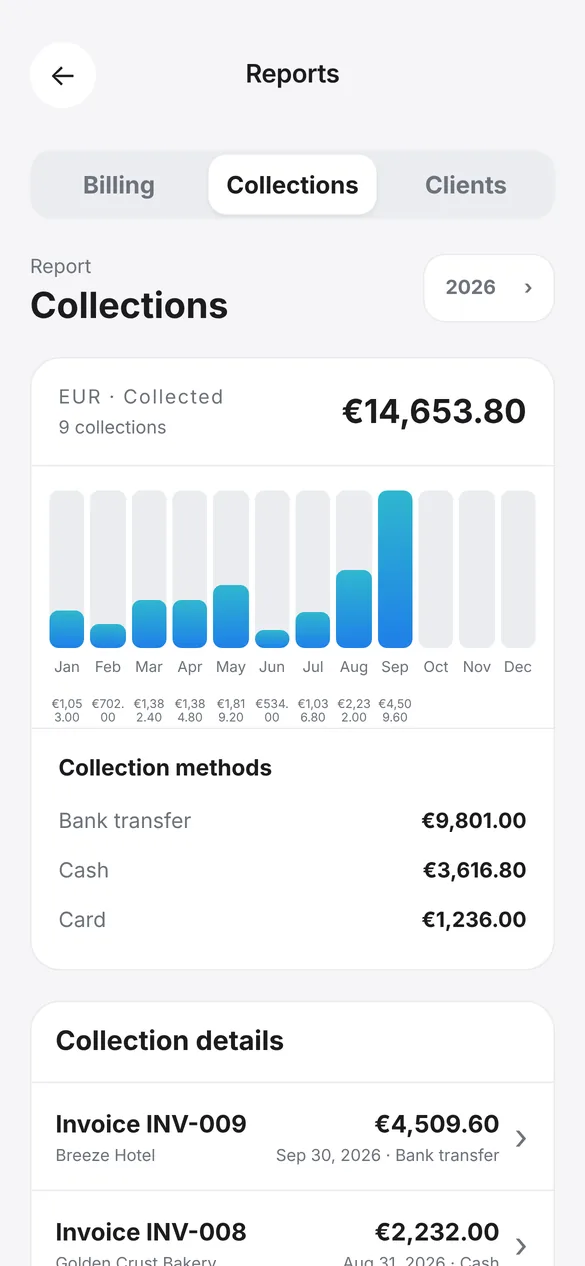
Reports are built from your own documents, right on your phone.
A chart of what you collected each month of the year, split by payment method: bank transfer, cash, card…
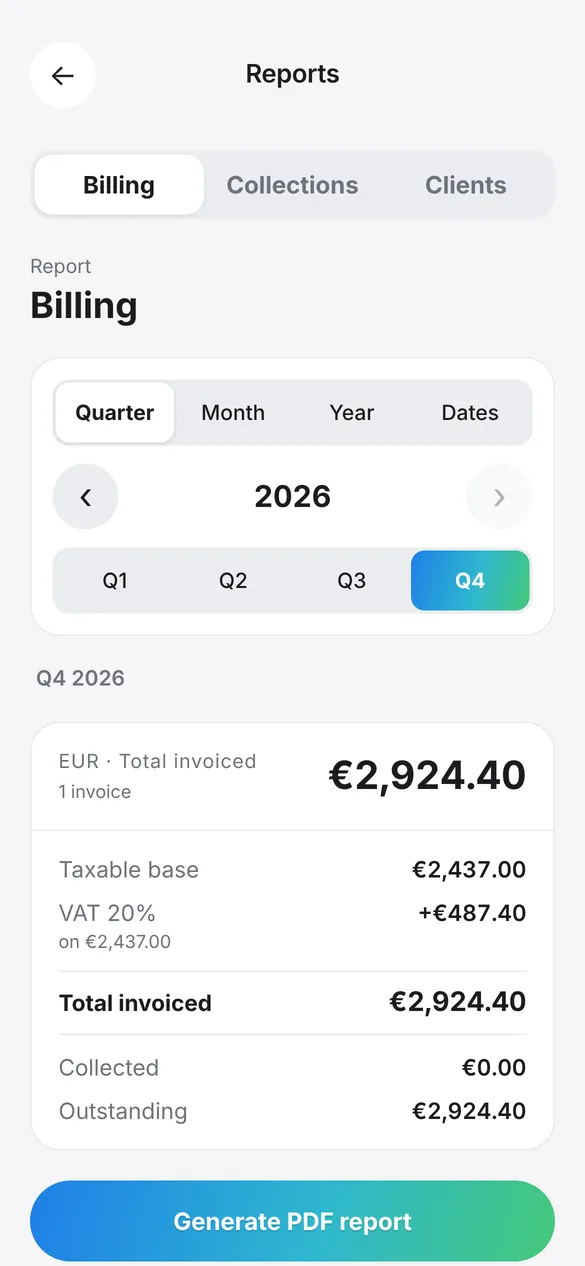
Taxable base, taxes, total invoiced and outstanding by quarter, month, year or custom dates. Export the report as a PDF for your accountant.
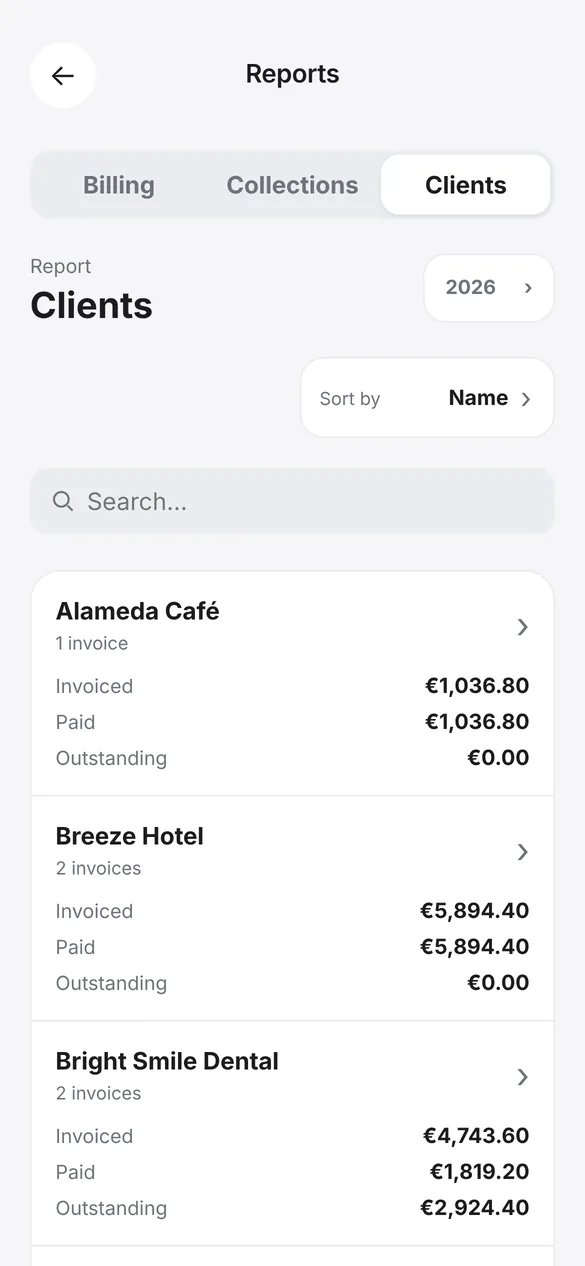
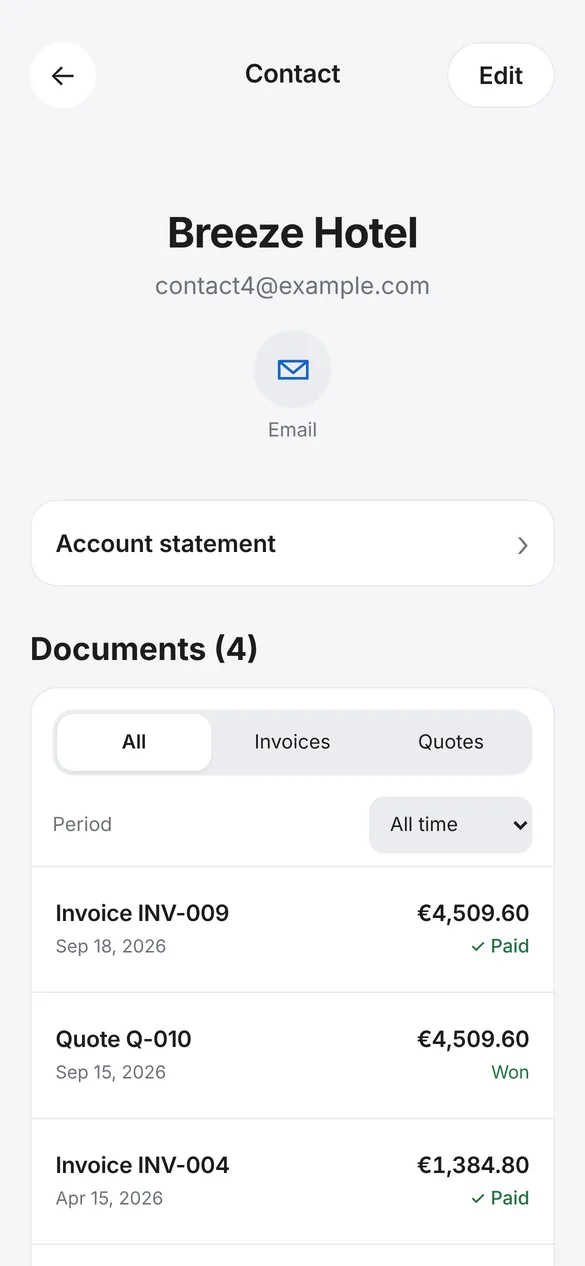
Invoiced, paid and outstanding for each client, with an account statement in PDF.
Quoted, invoiced, pending quotes and unpaid invoices for this month, the last 30 days or the year.
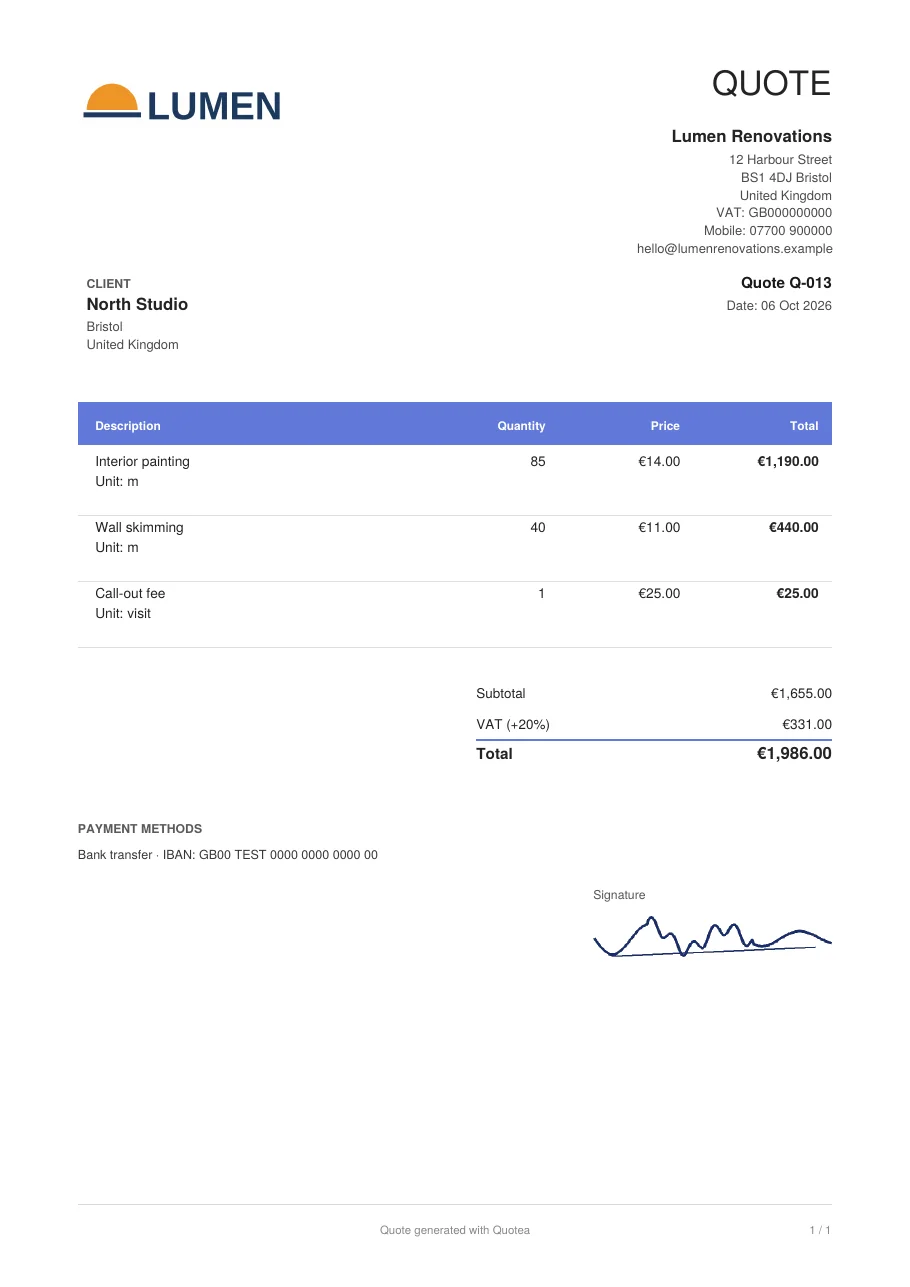
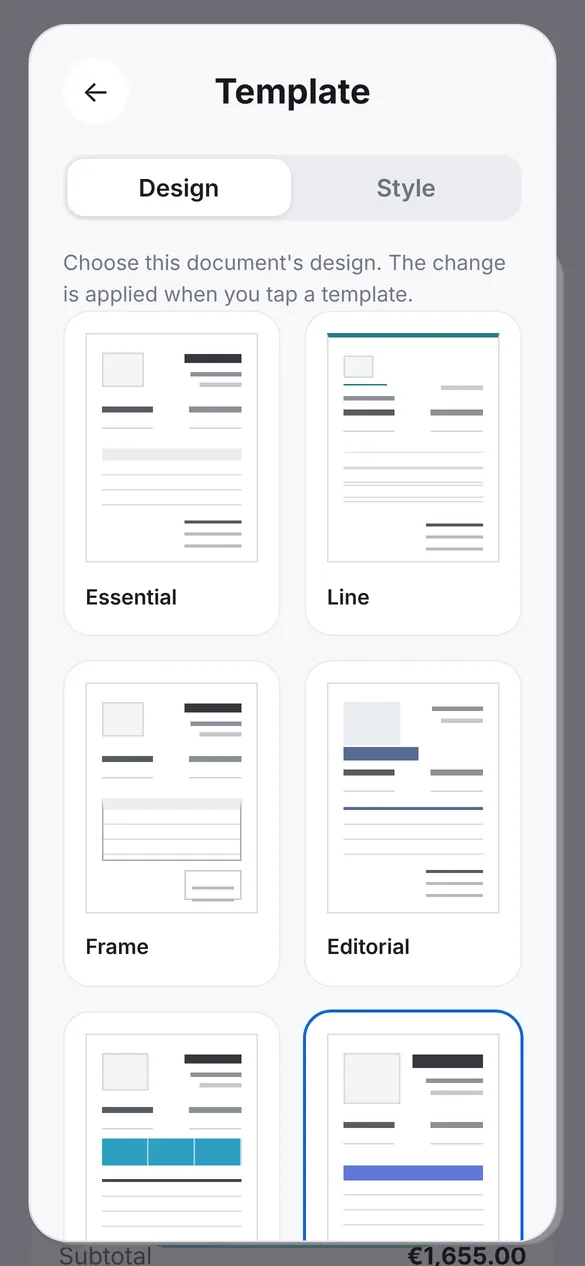
Six templates, ten colours, your logo and your signature. Change the design of any quote or invoice before sending it and see the result straight away.
A real example generated by Quotea with fictional data.
Quotea keeps your quotes, invoices and clients on your device. You don’t need an account, there are no ads and we don’t sell data. You decide when to share a document.
Download Quotea and create your first quotes and invoices without paying a thing. As your business grows, upgrade to the plan that fits what you need.
To get started today
For everyday work
For growing businesses
No limits
See the available plans in the app. Subscriptions are managed from your App Store or Google Play account and you can cancel at any time.
Yes. You can download Quotea and start creating quotes and invoices for free, with all the core features. If you later need more documents or want to remove the Quotea branding from your PDFs, you can upgrade in the app.
No. Open the app, add your business details if you like, and start working. Your documents are stored on your device.
Yes. You can create, edit and view quotes and invoices without a connection. You only need the internet to send documents, back up to the cloud or manage your subscription.
Yes, in one tap. The invoice keeps the client, line items and taxes from the quote, and has its own numbering.
Yes. Add your logo and signature, choose from six templates and ten colours, and change the design of each document before sending it.
By email, on WhatsApp with the message already written, by sharing the PDF with any app, or by printing it.
Quotea lets you set taxes, currency, document language and regional format, so it fits businesses in many countries. Check the invoicing requirements for your activity with your accountant.
On iPhone, Quotea makes automatic backups to your iCloud. On Android you can use Google backup or save a backup file and restore it on your new phone.
Get your next quote ready in less time than it takes to drive to the job.
Available now for iPhone and iPad. Android coming soon.